




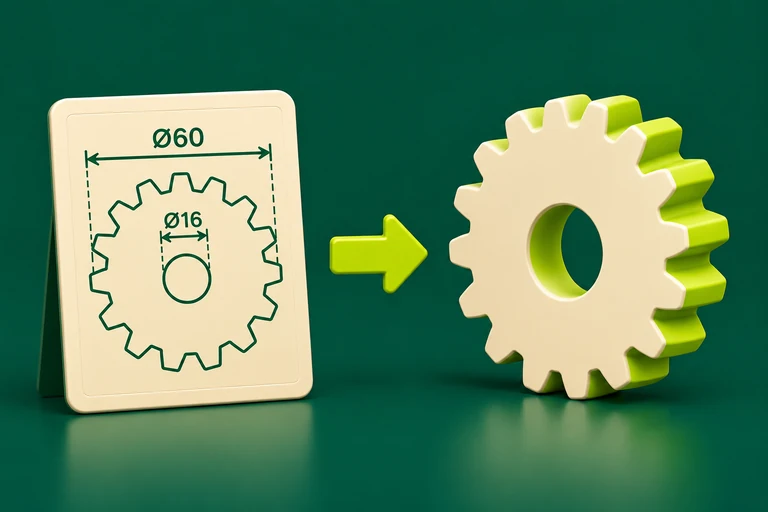
55 shapes including gears, threads and blades
Create CAD shapes from parameters
Adjust 2D with numbers and sliders, inspect 3D when needed, and download DXF or STEP.
How to create CAD data from parameters
- Choose a shape from the sidebar, then adjust its 2D drawing with numbers or sliders.
- Generate a 3D preview only when you need to inspect the solid.
- Select the parts you need and save DXF or STEP. For some shapes, CAD generation and checks run when you save STEP.
What is the difference between DXF and STEP?
DXF contains the section, profile or development described for each shape. STEP contains CAD solids. Original sketches and feature history are not included.
Which shapes are supported?
The prototype supports 55 shapes including gears and racks, threads and splines, cams, screws and blades, pipes and sheet-metal references, springs, polyhedra, gem cuts and lighting patterns. See each shape for its assumptions and supported range.
Can I use the output directly for manufacturing?
This is a geometry creation aid. Check fits, tolerances, materials, strength, manufacturing methods and mating interference in CAD for your application. Standards compliance and performance are not automatically guaranteed.